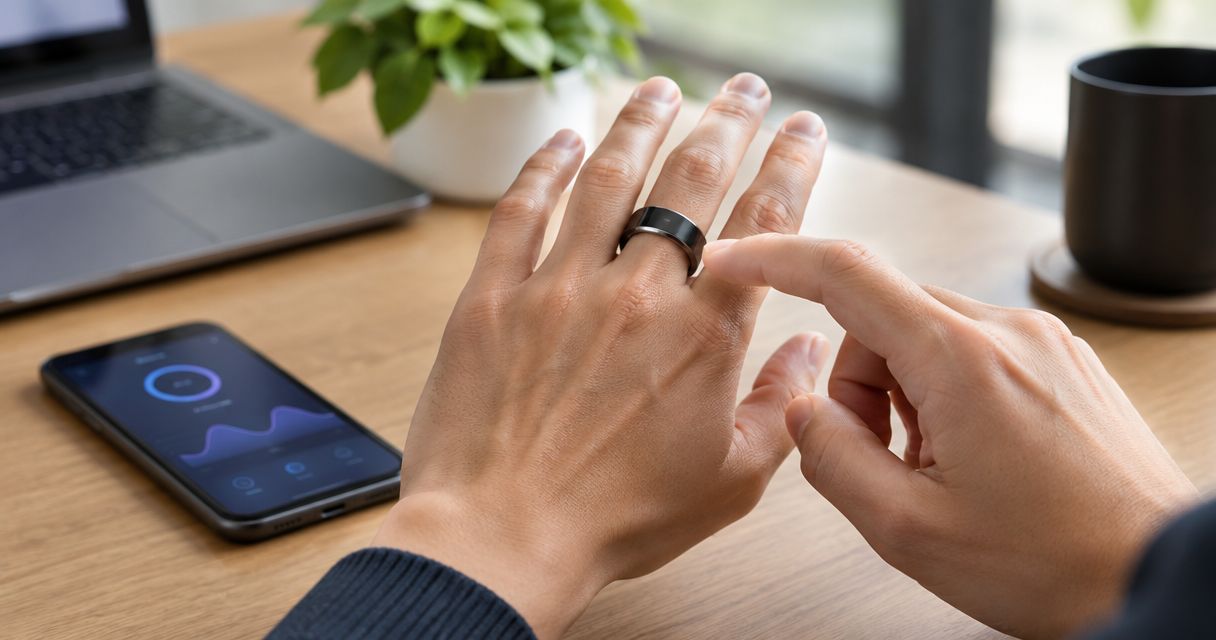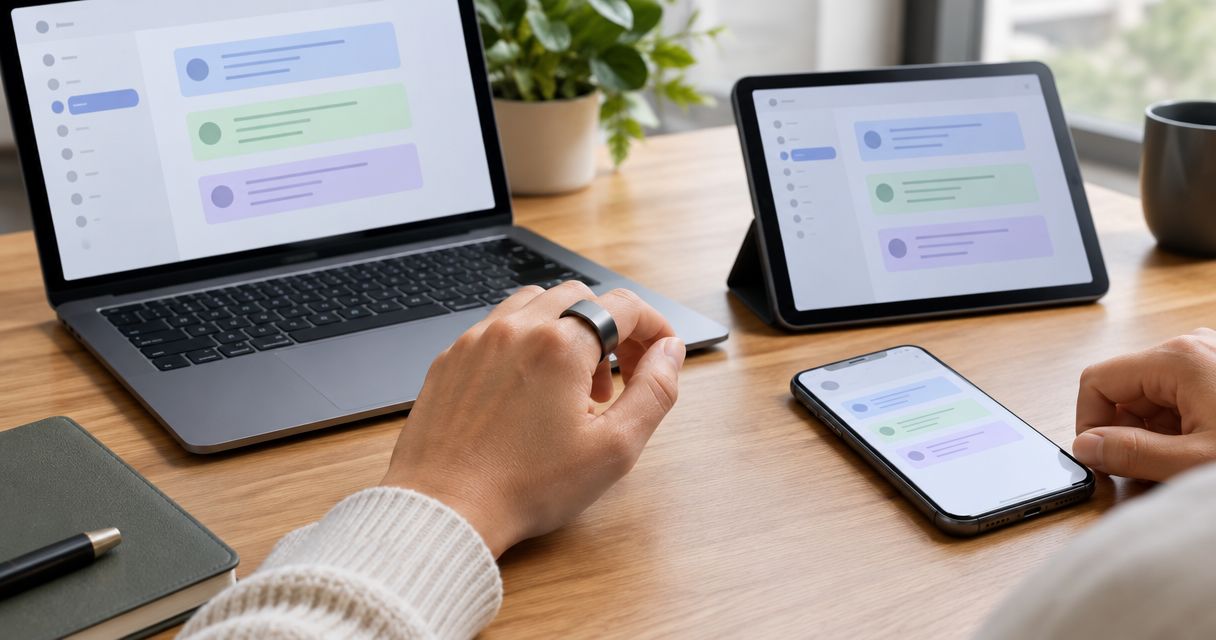
Yes—if a voice-capture smart ring connects to a note service that supports the devices you use, its transcripts can be accessible across those devices. Recording speech does not, by itself, establish cross-device sync: you also need a supported destination, account access, and a way to transfer the notes. For R1, confirm that complete workflow before treating multi-device access as a supported feature.
- Can a smart ring sync notes across multiple devices? Yes, when its connected note service supports cross-device access.
- Recording, transcription, and note syncing are separate functions. Check each part of the workflow.
- Present-Ring-AI positions R1 for screenless voice capture; confirm device compatibility and syncing before choosing it.
- Test one harmless note across your intended devices, including edits, offline access, and deletion.
Can a smart ring sync notes across multiple devices?
A smart ring needs a supported route from captured speech to a shared note destination. The ring captures the thought. A transcription process turns speech into text. A destination makes that text accessible where you need it.
For a 2026 purchase decision, ask for evidence of that whole route—not just a recording demonstration. A transcript appearing on a phone proves phone access. It does not prove that the same note appears on your laptop or that later edits stay aligned.
Present-Ring-AI describes R1 as a screenless smart ring with a built-in microphone for transcribing spoken ideas and conversations. That establishes its intended capture function, not a specific syncing arrangement.
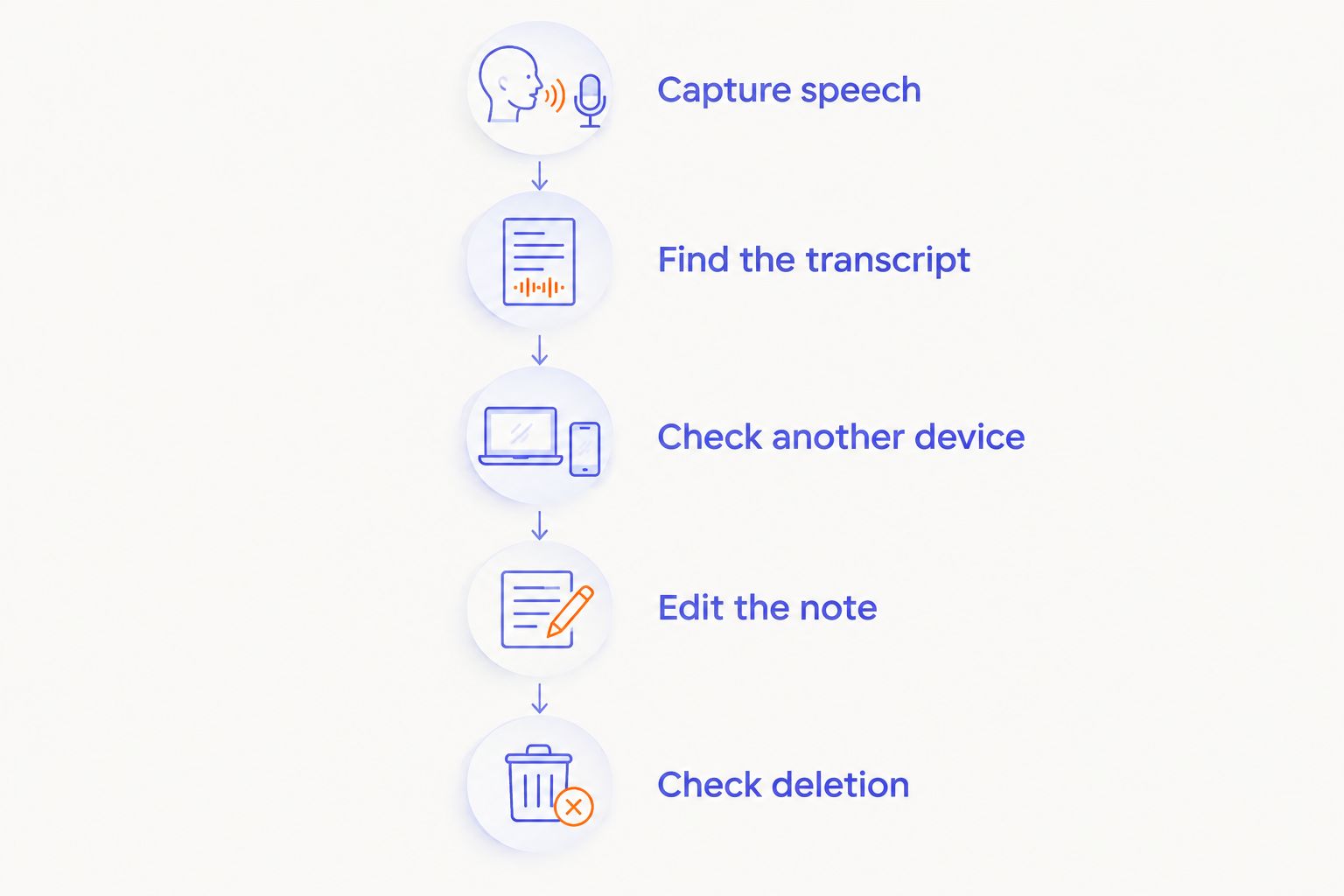
Use this sequence to evaluate any proposed setup:
- Capture speech. Establish how a recording begins and ends.
- Create text. Confirm where the transcript appears and how you retrieve it.
- Check access. Open that transcript on another intended device.
- Check changes. Edit the text and inspect the other copy.
- Check deletion. Remove the test note and inspect every destination involved.
A successful result means more than seeing similar text twice. You need to know whether you are opening the same maintained note or separate copies.
Why this matters
A quieter capture device should not create a noisier filing system. If every spoken thought leaves you searching through attachments, duplicate notes, and forgotten exports, you have moved the work rather than removed it.
Choose the destination before choosing the capture device. Start with where you actually read, revise, and use your notes. Then establish whether the proposed ring workflow reaches that destination without a manual routine you will avoid.
For your 2026 setup, describe the outcome in plain language: speak a thought, find the text on your computer, and keep the version you edit. That is a clearer requirement than asking whether a device has integrations.
Shared notes versus exported copies
Cross-device access can describe different arrangements. A shared note, an exported transcript, and a copied passage are not interchangeable, even when all let you read the same words elsewhere.
The table compares workflow types, not confirmed R1 capabilities. Use it to ask a seller which arrangement a demonstration actually shows.
| Workflow | Best for | Main benefit | Main limitation |
|---|---|---|---|
| Shared note | Continuing work across devices | You return to a maintained note in a supported destination | Access depends on that destination's accounts, permissions, and device support |
| Exported transcript | Keeping a separate document or archive | You get a distinct file to store or move | Later changes need a separate transfer unless another process handles them |
| Copied text | Moving an occasional thought | You choose exactly what to keep | You must repeat the action, and copies can diverge |
Shared notes: best for continuing work
A shared-note workflow is the right requirement when you want to capture on the move and revise at a desk. Ask whether changes belong to the same underlying note and how conflicting edits are handled.
The trade-off is dependence on the destination. A ring cannot make an unsupported account, restricted workspace, or inaccessible application work across your devices merely by recording audio.
Exported transcripts: best for separate documents
An export is useful when you want a document you can file independently. It separates the transcript from the capture workflow and lets you decide where the file belongs.
The limitation is continuity. An exported document is not evidence of ongoing synchronization, so ask what happens after you correct the original transcript.
Copied text: best for occasional capture
Copying text gives you direct control over what enters your notes. For occasional ideas, that can be an acceptable amount of work.
It is still manual. If your goal is to remove repeated handling, make sure a copy-and-paste demonstration is not being presented as automatic note syncing.
Why cross-device note syncing varies
The useful question is not how many devices a ring can reach in theory. It is whether your exact capture-to-note workflow works on the devices and accounts you intend to use.
These factors determine what you need to verify:
- Capture route. Establish how a recording leaves the wearable and reaches the transcription process.
- Note destination. Identify where the usable text lives, rather than stopping at a recording screen.
- Device access. Confirm that you can open the destination on each intended device.
- Account permissions. Check whether personal and work accounts have different access rules.
- Change handling. Establish whether edits update a shared note or leave separate copies.
- Connection requirements. Identify which steps need a connection and what happens when that connection returns.
Do not accept one broad answer for all of these. A workflow can deliver a transcript successfully and still leave editing, offline access, or deletion unresolved.
How do I test syncing before relying on it?
Use 2 devices and 1 harmless test note. These are test instructions, not claims about a ring's supported device count or performance. Choose the devices you actually intend to use, rather than substitutes that make the demonstration easier.
For a 2026 evaluation, ask to see the workflow rather than a list of promised destinations. Keep the content ordinary. Do not use client conversations, private journals, or confidential work as test material.
Capture speech
Speak a short thought with a distinctive phrase you can find later. Include a simple correction you will make after transcription, such as changing a project label.
Watch how recording starts and stops. Then establish what action, if any, is needed to move the recording into the next stage.
Find the transcript
Locate the text in its intended destination. Check the account and folder or workspace containing it, so you know where future notes would go.
Keep audio and text separate in your assessment. A playable recording does not establish that the transcript is accessible, editable, or searchable where you need it.
Check another device
Open the intended destination on your other device. Find the test note without sending yourself a new copy unless manual transfer is the workflow you are evaluating.
Observe the actions required. A process that needs repeated exporting is different from one that lets you open a maintained note directly.
Edit the note
Correct the project label on one device. Return to the other device and inspect the text again.
This distinguishes shared editing from simple delivery. If the correction does not appear, establish whether you need to refresh, reconnect, repeat a transfer, or manage independent copies.
Check deletion
Delete the harmless test note from its destination. Then inspect the other device and any separate recording or export involved.
Do not assume that deleting text also deletes audio. Treat each stored item separately until the workflow's deletion behavior is clear.
Can I read ring notes without keeping my phone nearby?
Reading an existing note and transferring a new recording are different requirements. A destination that lets you open saved text on a computer does not establish that the ring can send new recordings without a phone.
Ask separate questions about capture, transfer, and reading. You might need different conditions for each stage; confirm them instead of treating phone access as an all-or-nothing feature.
For a 2026 buying decision, describe your intended situation precisely. “I want to read yesterday's notes on my laptop” and “I want new recordings to reach my laptop while my phone is elsewhere” require different demonstrations.
Will my notes still be there when I am offline?
Cross-device sync does not establish offline access. To verify offline reading, open a harmless saved note on the intended device, disconnect that device, and try opening the note again.
Test new capture separately. Being able to read previously saved text says nothing about recording, transcription, or transfer while disconnected.
The guide to using wearables without an internet connection addresses that separate question. Keep your requirement specific: offline capture, offline reading, and later transfer are different checks.
Does syncing notes also sync the original audio?
Text access does not establish audio access. A workflow that delivers a transcript still needs separate confirmation for retaining, retrieving, exporting, and deleting its recording.
Decide whether you need the source audio at all. For a fleeting personal thought, text might meet your purpose; for material you need to verify, retaining access to the original recording is a separate requirement.
Before recording other people, establish permission and check the rules that apply to the conversation. A discreet device does not remove that responsibility.
Where does R1 fit?
Present-Ring-AI's R1 is aimed at people who want screenless voice capture for spoken notes. Its stated purpose is to transcribe ideas and conversations without putting a screen on the ring.
That makes the capture concept relevant to a quieter note-taking routine. The trade-off is that a screenless capture device does not, by itself, answer where you will read, correct, or organize the resulting text.
For a 2026 assessment of Present-Ring-AI's R1, keep the decision in two parts: does screenless capture suit you, and does the demonstrated note workflow reach your devices? Do not use a promising answer to the first question as proof of the second.
FAQ
Can a smart ring sync notes across multiple devices?
Yes, when a voice-capture ring has a supported route to a note service accessible on those devices. Verify transfer, account access, and edit behavior; recording speech alone does not establish synchronization.
Does a smart ring have to connect directly to my laptop?
Direct laptop pairing is not the same requirement as reading transcripts on a laptop. Establish how the recording reaches its note destination, then confirm that you can access that destination from your computer.
Can I edit a ring transcript on my computer and see the changes on my phone?
You need a workflow that maintains those changes across the devices you use. Test an edit explicitly, because an exported transcript or copied passage does not prove ongoing synchronization.
Will a smart ring sync notes while my phone is offline?
Offline transfer depends on the supported recording-to-destination workflow. Test new capture and later transfer separately from opening a previously saved note.
Does deleting a synced transcript delete its recording too?
Deleting a transcript does not establish that its source recording has also been deleted. Check audio, text, exports, and other destinations separately.
Should I use a work account or a personal account for spoken notes?
Use an account permitted for the information you intend to capture. For work material, confirm your organization's recording, storage, and account-access requirements before connecting a destination.
Does R1 definitely support my preferred note app?
Confirm the exact R1-to-app workflow before relying on it. Its stated screenless recording and transcription purpose does not establish compatibility with a particular note application.
One last thing
Test a correction, not just a new note. Seeing the same transcript on your phone and computer proves access to that text. Seeing a correction carry across tells you something more useful about whether the workflow keeps your working notes aligned.
Keep the capture quiet. Make the handoff clear. The right setup lets you return to the thought without first reconstructing where you put it.