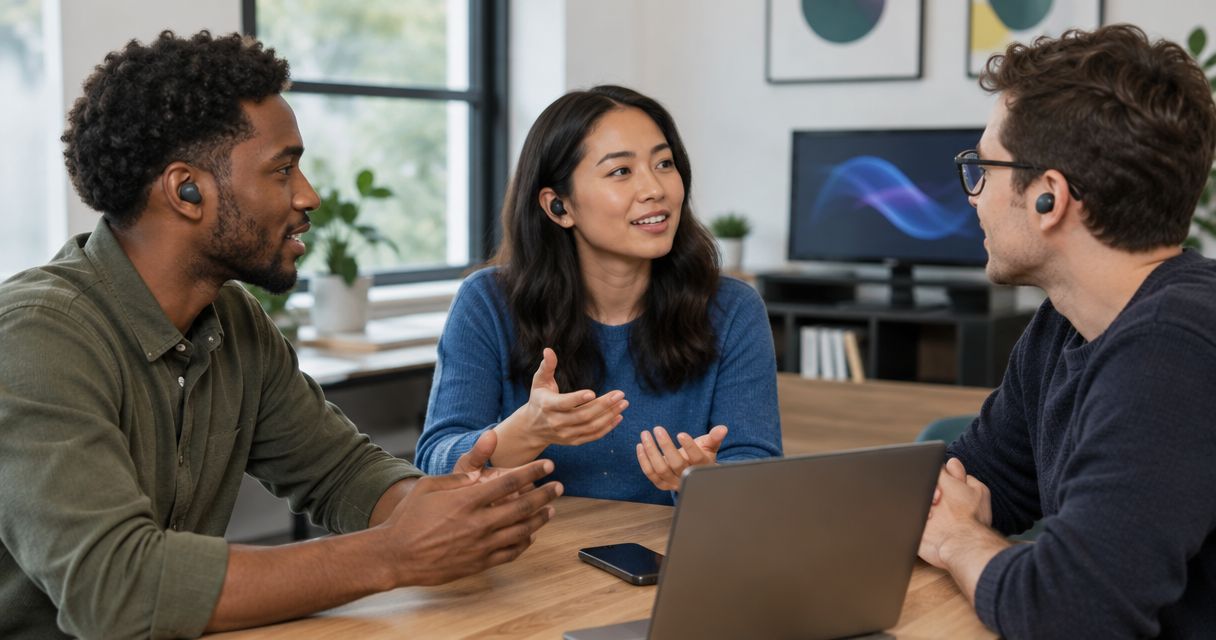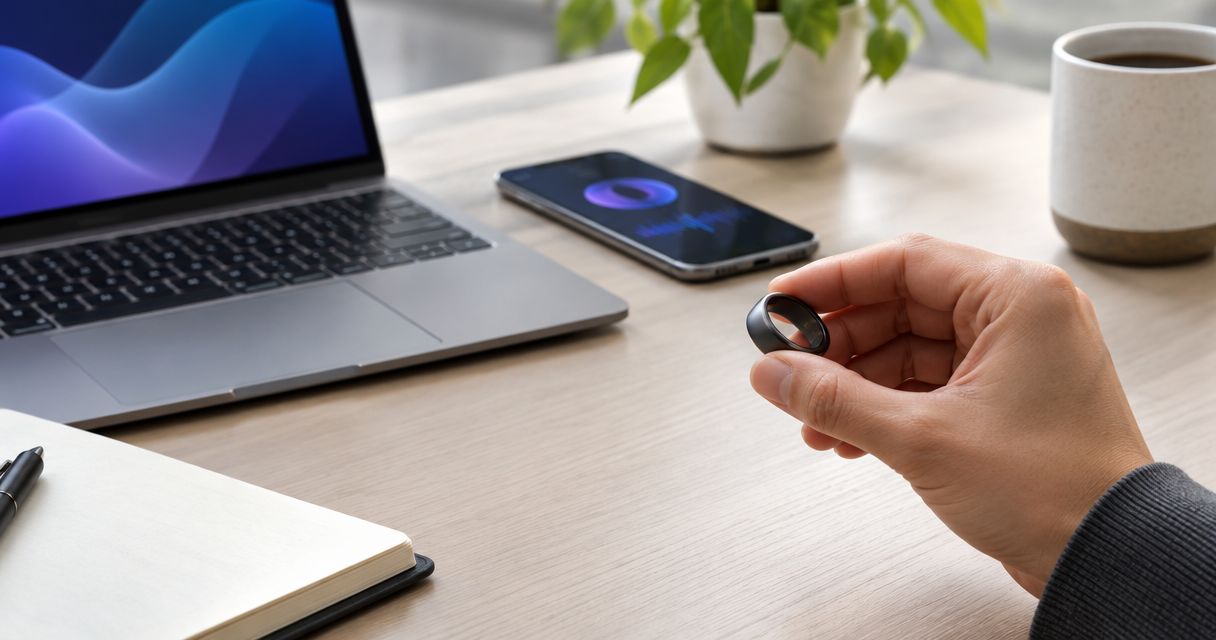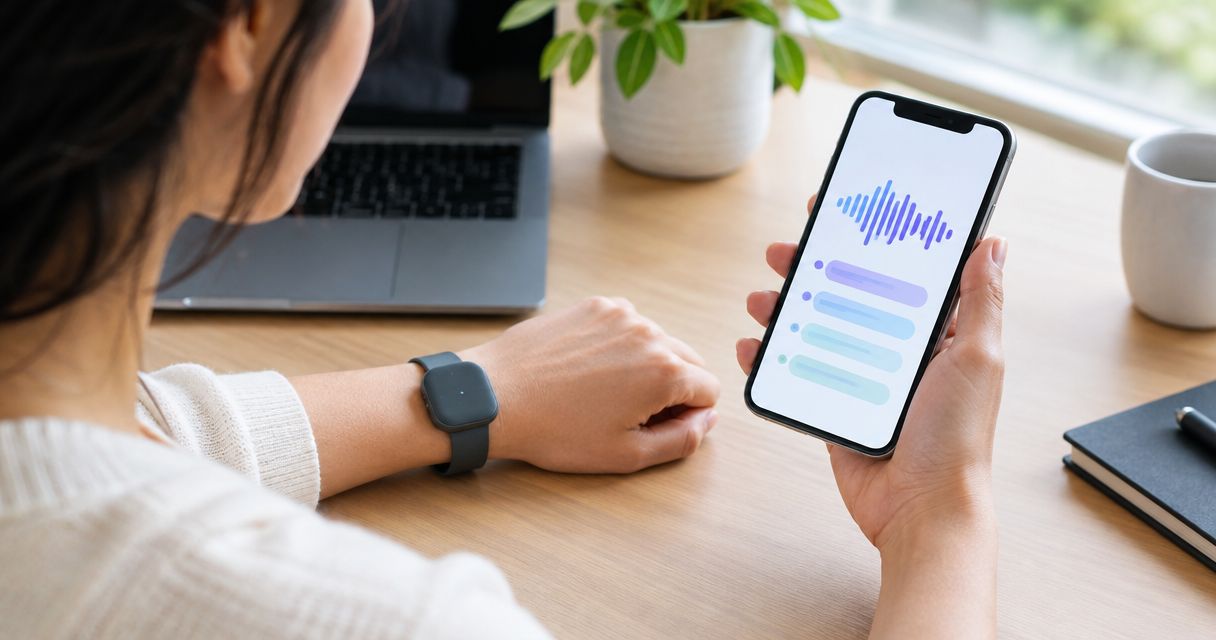
Screenless wearables send recordings or transcripts to your phone through a companion app, with the exact route depending on where speech becomes text. A wireless connection moves the data; internet access is a separate requirement when transcription happens on a remote server rather than on the wearable or phone.
- How do screenless wearables send transcripts to your phone? A companion app receives audio or text through the device’s supported connection.
- Bluetooth transfers data; speech recognition turns a recording into a transcript. These are separate jobs.
- Cloud transcription needs internet access. Local transcription processes speech on the wearable or phone.
- Present-ring-ai is best for people seeking screenless voice capture rather than another wearable display.
How do screenless wearables send transcripts to your phone?
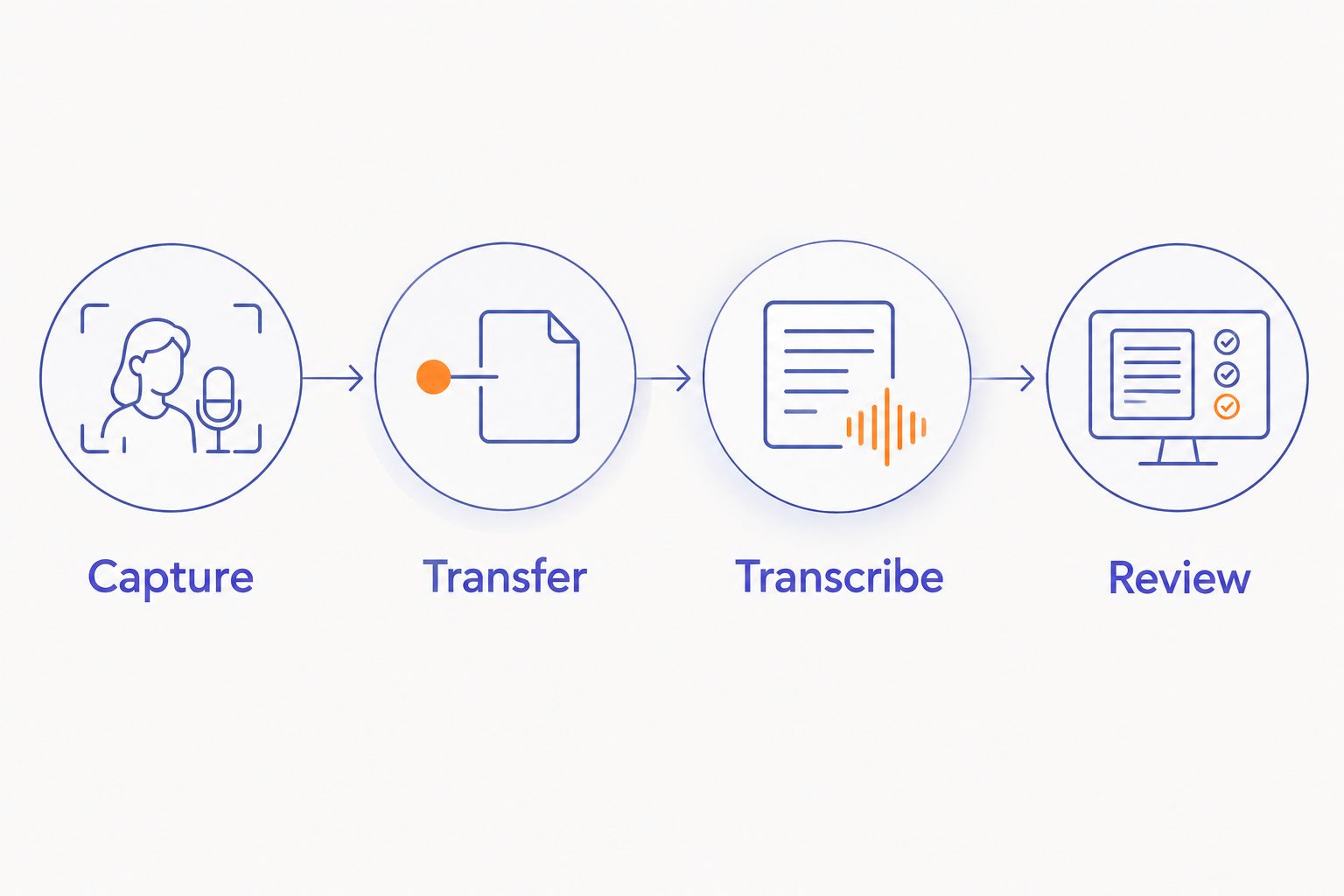
The process has distinct stages: capture speech, transfer data, convert speech to text, and show the result. Their order changes with the device’s design. Some systems transfer audio first. Others transfer text after processing it elsewhere.
Present-ring-ai describes R1 as a screenless smart ring with a built-in microphone for transcribing spoken ideas and conversations into notes. That describes its purpose, not a reason to assume a particular connection, processing location, or export method.
For a 2026 purchase, separate those questions before comparing devices. A microphone captures your voice. A connection carries data. Neither tells you where transcription happens.
| Processing route | What reaches the phone | Best for | Main advantage | Main limitation |
|---|---|---|---|---|
| Wearable processing | Completed text, with audio depending on the design | People seeking transcription on the wearable itself | Speech can become text before transfer | Requires the wearable to support speech processing |
| Phone processing | Audio that the phone converts into text | People seeking local processing on a phone | Processing can stay on the phone when supported | Depends on phone software and local transcription support |
| Cloud processing | Audio passes through an internet-connected workflow; text returns to the app | People comfortable with remote processing | Speech processing happens away from the wearable | Requires internet access and review of data-handling terms |
These are architectural options, not confirmed features of every screenless wearable. A product can also combine routes, such as local capture followed by cloud transcription later.
Why this matters
A screenless device removes the display from capture. It does not remove the software behind your notes. You still need somewhere to review words, correct mistakes, and decide what to keep.
The practical question in 2026 is not simply whether a wearable connects to your phone. Ask what that connection delivers: a recording, a readable transcript, or a note already sent somewhere else. Those are different outcomes.
Choose the workflow you want to finish, not just the object you want to wear. If you need searchable notes, an audio file alone leaves the job unfinished. If you need a record of exact wording, a generated summary is not a substitute for the transcript.
Follow the recording from speech to a readable note
Use this sequence to understand a device’s documentation or assess a demonstration. Each stage answers a different question. A failure near the end does not prove the microphone failed at the beginning.
Capture
The microphone turns speech into recorded audio. A screen is not required for that step. The device still needs a supported way to start and stop capture.
Check how you confirm that recording actually began. Use the documented feedback rather than assuming every device has a light, vibration, or sound. Feedback is part of the workflow, not a feature to infer from the device’s shape.
Transfer
The wearable sends audio or text over its supported connection. Bluetooth is a short-range data connection commonly used between wearables and phones. It does not itself transcribe speech.
Pairing establishes a relationship between devices. It does not prove that a recording has finished transferring. Look for the app’s record of the captured item and its transfer status.
Transcribe
Speech-recognition software converts audio into written words. That software can run locally or on a remote server, depending on the system. Processing location determines whether this stage needs an internet connection.
Keep transcription separate from summarization. A transcript follows spoken words; a summary condenses them. Check which result the app presents before treating it as a record of what someone said.
Review
The app displays the transcript so you can read and correct it. Names, unusual terms, and overlapping speech deserve particular attention. Read the sentence that contains an important detail, not just the heading above it.
A transcript visible inside an app is not necessarily exported to another notes service. That is a further step. Verify it independently if your workflow ends outside the companion app.
Bluetooth moves data; internet access serves a different role
Bluetooth and internet access solve different problems. Bluetooth can connect a nearby wearable to your phone without providing a route to a remote transcription server. Your phone’s Wi-Fi or cellular connection supplies that internet route when the workflow requires one.
This distinction explains why a wearable can appear connected while a transcript remains unfinished. The local connection can work while the remote processing stage lacks internet access. Check the status of the recording and the transcription separately.
For your 2026 checklist, ask whether the system needs the phone nearby during capture, during transfer, or during both. Do not treat the word wireless as an answer. It describes the absence of a cable, not independence from a phone.
Also distinguish pairing from permission. A paired device and an app allowed to communicate with that device are related but separate parts of setup. Follow the app’s documented permission requirements rather than enabling unrelated access.
Why transcript delivery varies
Transcript delivery depends on the whole path, not just the radio connection. These factors explain where to look when the words have not appeared:
- Processing location. Local transcription and remote transcription have different connectivity requirements. Establish which route the device uses before troubleshooting.
- Connection state. A saved pairing does not guarantee an active transfer. Check whether the phone and wearable are currently communicating.
- Recording length. Longer recordings contain more audio to move and process. Do not compare a short spoken reminder with a full conversation as though they are equivalent tasks.
- App permissions. Missing permissions can interrupt the app’s access to the device or a required service. Check the permissions named in the setup instructions.
- Audio clarity. Background noise and overlapping voices complicate speech recognition. A completed transfer does not guarantee an accurate transcript.
- Destination. Receiving text in the companion app and exporting it elsewhere are separate actions. Check both when a note is missing from its intended destination.
Find the unfinished stage before changing settings. If the audio is already in the app, repeatedly pairing the wearable does not address a later transcription or export problem.
Check the workflow before you rely on it
A small test exposes more than a long feature list. Use harmless sample speech, not a confidential conversation. The following checks are a suggested procedure, not a performance claim about any device.
- Record a 15-second voice note. Speak clearly and include a familiar name. Confirm that the device signals capture using its documented method.
- Speak 2 distinct sentences. Make the second sentence a correction to the first. This helps you distinguish a transcript from a summary that only preserves the final idea.
- Check 3 checkpoints. Look for the recording, the readable transcript, and the final saved destination. Note which stage completes and which remains unfinished.
- Review the text against your words. Check the name and correction. Do not judge accuracy solely by whether the paragraph reads smoothly.
- Test a supported disconnected workflow. If the documentation describes offline capture or later synchronization, follow that procedure and confirm what remains accessible.
- Check deletion controls. Find the controls for recordings and transcripts separately. Read what deletion covers before using the system for sensitive speech.
During a 2026 evaluation, keep the conditions consistent when comparing workflows. Use the same spoken passage and intended destination. Otherwise, differences in your test can look like differences between devices.
The goal is simple. You should know when capture ends, when text becomes readable, and where the note finally lives.
Does a screenless wearable need internet to send transcripts?
A screenless wearable needs internet access when its transcription or synchronization workflow depends on a remote service. A local wireless transfer does not inherently require internet access. Local speech processing also avoids a remote transcription step when the device or phone supports it.
Ask what works without internet: recording, transfer, transcription, or reading existing notes. Offline support is not a single capability. A device that records offline does not necessarily produce readable text offline.
Do transcripts arrive while you are still speaking?
Live transcription requires a workflow designed to process speech during capture. A wearable that transcribes recordings does not automatically provide live text on your phone. Some workflows process a completed recording instead.
For meetings, decide whether you need words during the conversation or notes afterward. That choice changes what you should verify. A finished transcript after capture does not demonstrate live transcription.
Can transcripts go straight into another notes app?
Transcripts can reach another notes app only through a supported export, sharing action, or integration. A connection between the wearable and its companion app does not establish a connection to every other service.
Check whether the destination receives full text, a summary, or an audio attachment. Then check whether sending happens automatically or requires your action. The destination’s name alone does not describe the workflow.
Keep control of the recording
A quieter device still records real people. Before capturing a conversation, explain what you intend to record and obtain the consent required for the situation. Recording rules vary by jurisdiction and context.
For cloud processing, read where audio goes, who can access it, and what retention and deletion controls apply. For local processing, check backups and exports too. Local transcription does not by itself describe every place a copy can end up.
Your 2026 privacy review should follow the recording through its entire life: capture, processing, storage, sharing, and deletion. Start with an ordinary sample note. Keep sensitive material out until you understand those steps.
FAQ
How do screenless wearables send transcripts to your phone?
Screenless wearables use a supported connection and companion app to move audio or text to your phone. Speech becomes text on the wearable, on the phone, or through a remote service, depending on the design.
Does Bluetooth turn my recording into text?
Bluetooth transfers data; speech-recognition software turns recorded speech into text. A working Bluetooth connection does not establish that transcription has finished.
Can I get a transcript without Wi-Fi?
You can get a transcript without Wi-Fi if the supported workflow uses local transcription or another internet connection, such as cellular data. Cloud transcription still needs internet access.
Can I leave my phone at home while recording?
You can leave your phone behind only if the wearable supports recording independently. Confirm how recordings are stored and transferred later before relying on that workflow.
Why is my recording visible but my transcript missing?
A visible recording and a missing transcript indicate that capture or transfer has completed without a readable transcription result. Check processing status and any required internet connection before repeating the recording.
Is Present-ring-ai intended for screenless note-taking?
Present-ring-ai describes R1 as a screenless smart ring with a built-in microphone for transcribing spoken ideas and conversations into notes. Its stated focus is minimalist, distraction-free voice capture.
Does deleting a transcript also delete the recording?
Deleting a transcript does not establish that its source recording or exported copies are deleted. Check the service’s separate controls and deletion terms for each type of data.
One last thing
Test a correction, not just a clear sentence. Say an idea, then change your mind aloud. Review whether the resulting note preserves both statements or presents only the final version.
That small distinction tells you what you are reading: a record of speech or an interpretation of it. Choose deliberately. The right note should help you remember without making you guess what happened to your words.