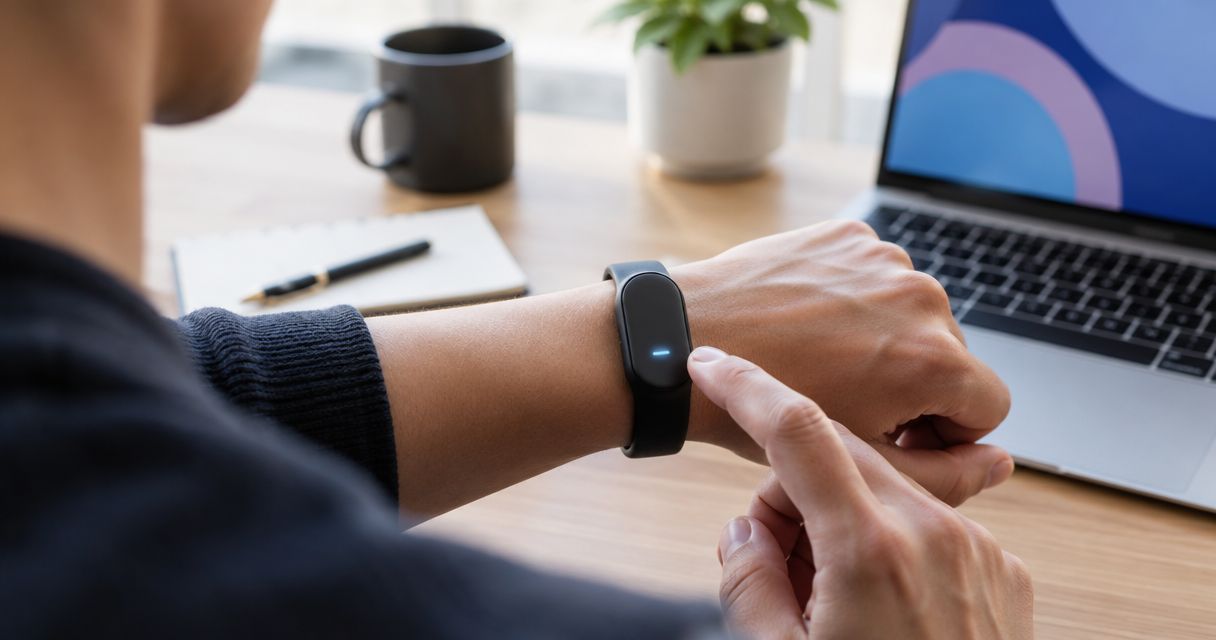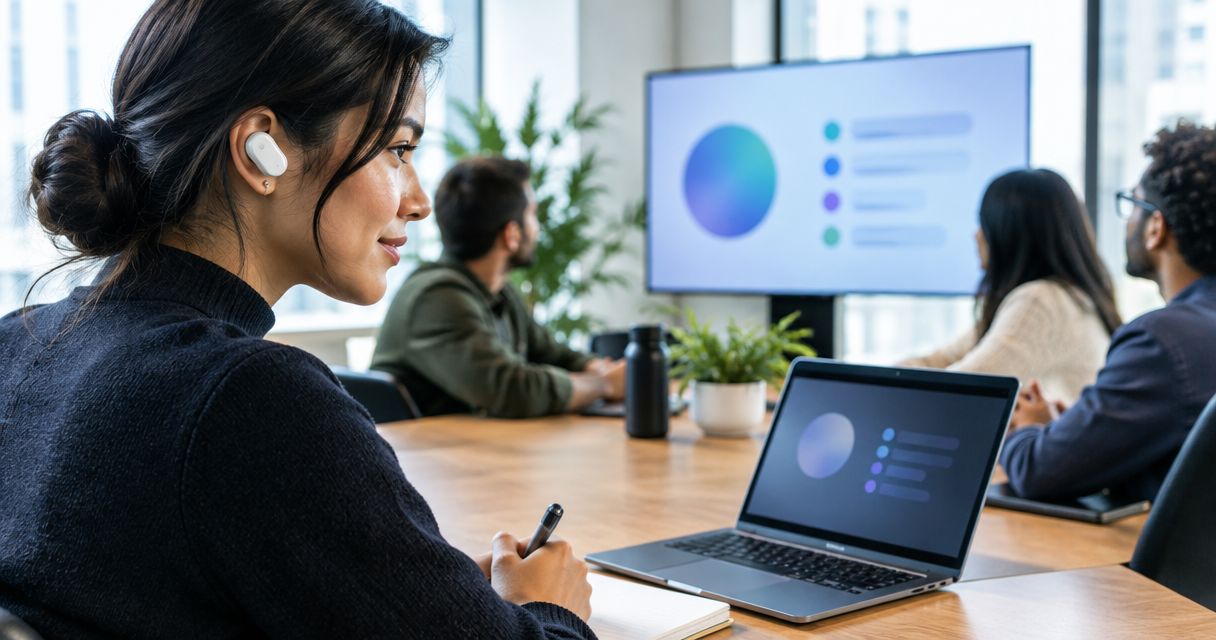
Yes. AI wearables can summarize long meetings automatically when their recording workflow includes transcription and summarization; a microphone alone does not provide that capability. In 2026, the distinction is whether the system captures the full discussion and turns it into a useful draft—not whether the device calls itself an AI wearable. You still need to check decisions, names, and commitments before sharing the notes.
- Can AI wearables summarize long meetings? Yes, when the recording workflow includes transcription and automatic summarization.
- A meeting summary is a draft, not proof that every decision or commitment was captured correctly.
- Present-ring-ai suits people seeking screenless voice capture; its R1 transcription description does not establish automatic meeting summaries.
- Choose by recording coverage, speaker handling, privacy controls, and the usefulness of the final notes.
Can AI wearables summarize long meetings automatically?
Yes, but automatic transcription and automatic summarization are different functions. Transcription turns speech into text. Summarization selects and condenses that text into something shorter, such as decisions, open questions, and follow-up tasks.
A wearable can supply the recording while connected software handles the rest. The summary does not have to be generated inside the wearable itself. What matters is the complete path from spoken conversation to readable notes.
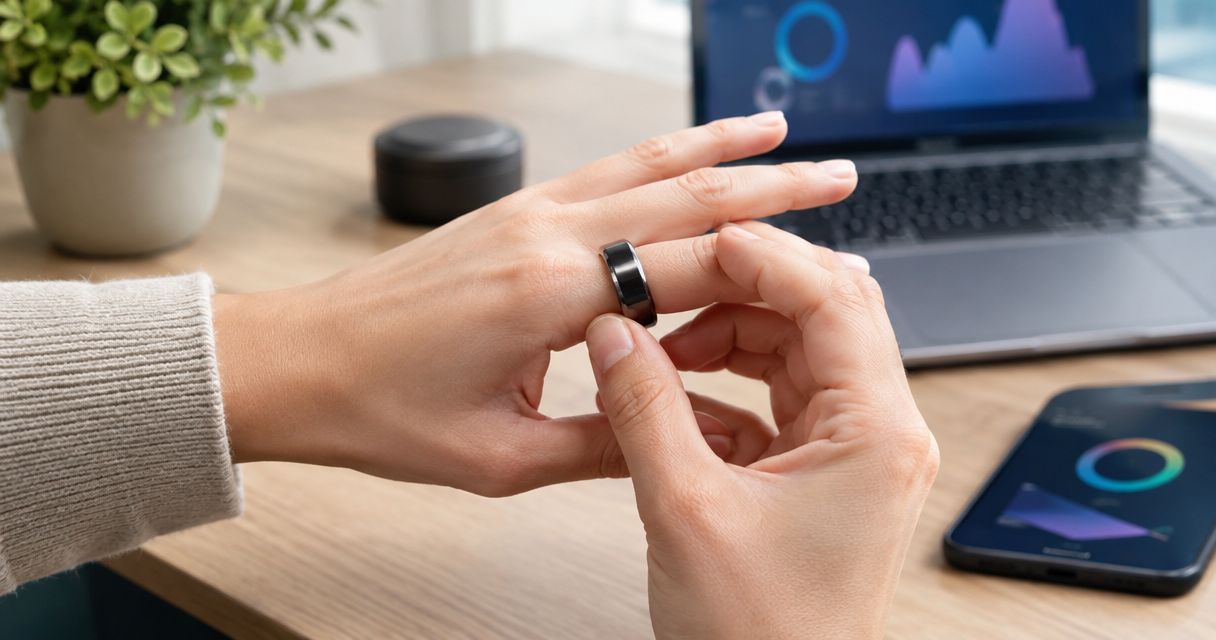
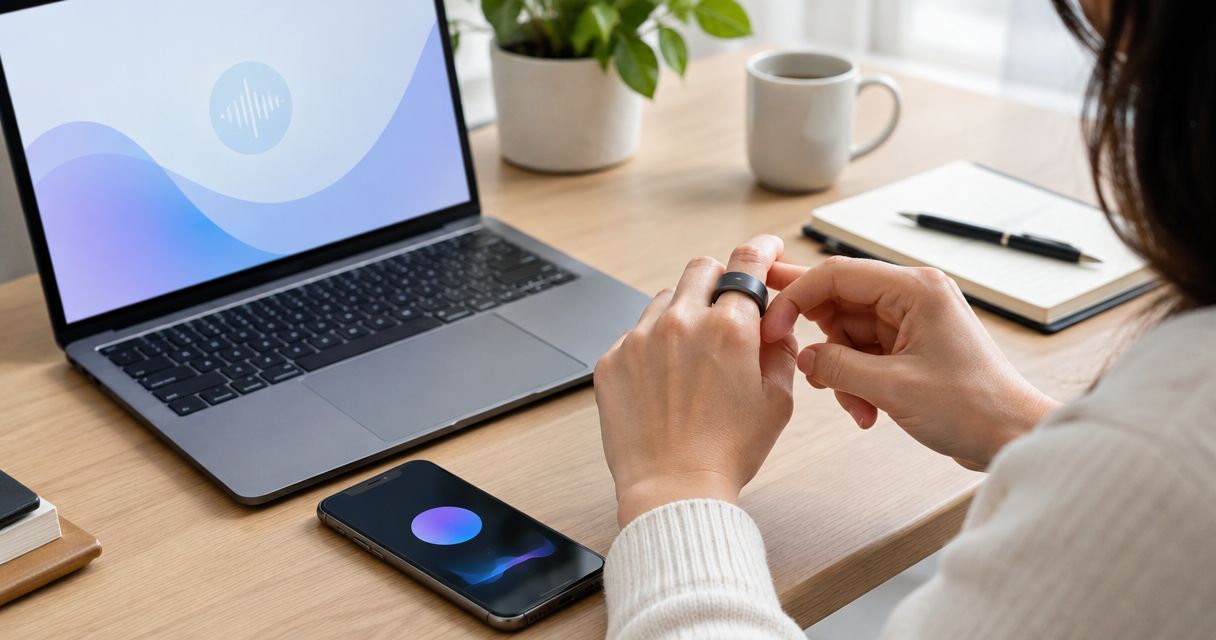
Present-ring-ai describes R1 as a screenless ring for transcribing spoken ideas and conversations. That establishes its intended note-taking purpose, not a promise of automatic long-meeting summaries.
| Output | Best for | What it gives you | Main limitation |
|---|---|---|---|
| Audio recording | Checking original wording | The captured conversation | You must listen to find relevant passages |
| Transcript | Searching what was said | A written version of captured speech | Recognition errors still need checking |
| Meeting summary | Reviewing the discussion quickly | Condensed topics and conclusions | Important qualifications can be omitted |
| Action list | Following up on commitments | Tasks extracted from the discussion | Owners and deadlines need verification |
Choose the output you need before choosing the device. A transcript is useful evidence. A summary is an interpretation of that evidence. An action list goes further by deciding which statements represent commitments.
Why this matters
A long meeting contains more than its final decisions. People propose ideas, disagree, change their minds, and leave questions unresolved. Good notes preserve those distinctions without making you reread the whole conversation.
For a 2026 buying decision, separate convenience from completeness. Automatic notes reduce manual drafting, but an attractive summary can still hide an interrupted recording or a misunderstood name. Readability alone is not a quality check.
The quieter experience comes from a clear division of work: let the system prepare the draft, then review the parts that affect other people. You stay present during the conversation without treating the resulting notes as unquestionable.
What a useful automatic meeting workflow includes
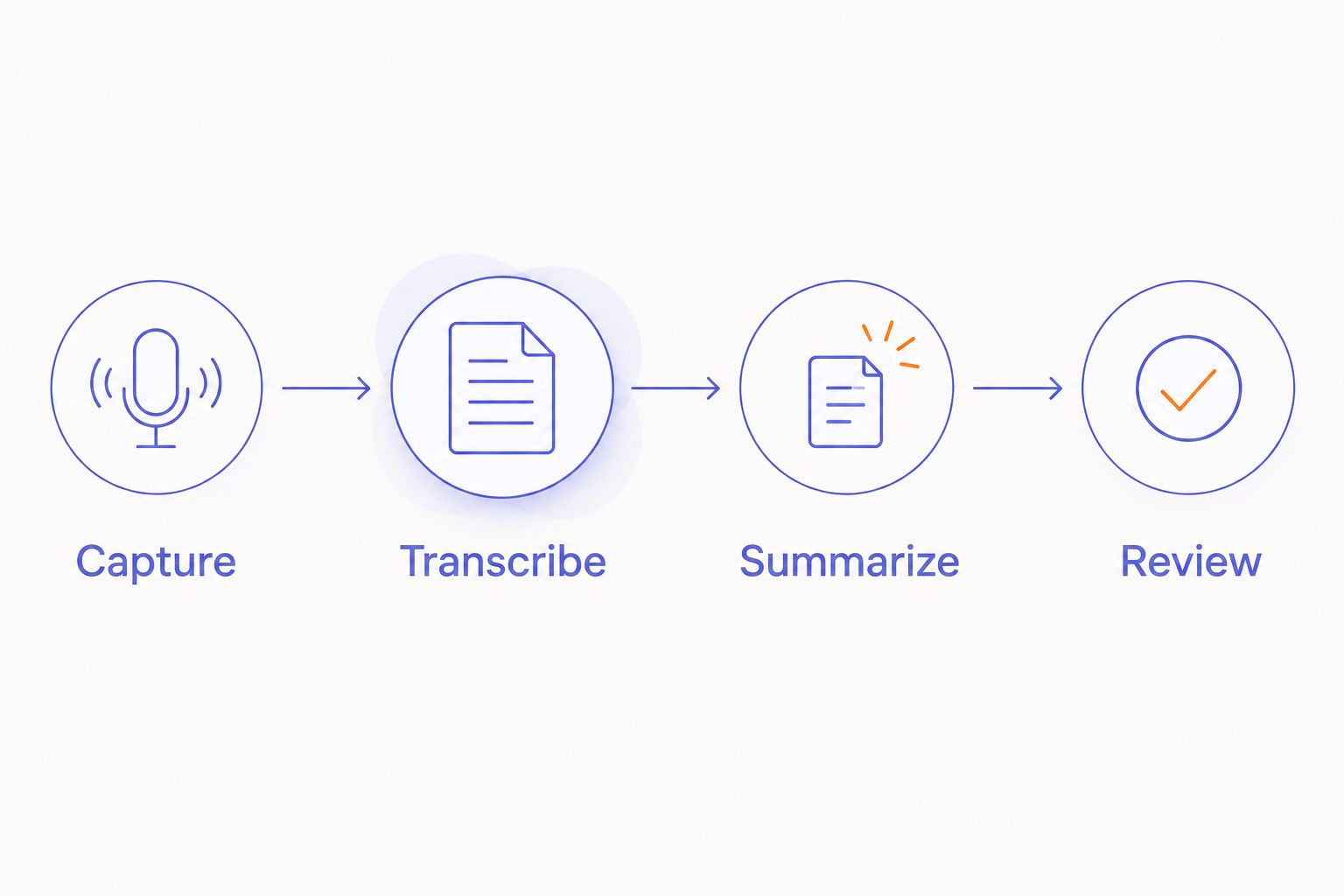
Use this 4-step workflow to evaluate a wearable meeting recorder. These are evaluation steps, not claims about features included with every device.
Capture
Confirm how recording starts and stops. Ask how you can tell that capture is active, particularly when the device has no screen. Do not assume that wearing a recorder means it is recording.
For a long session, check the stated recording limits and what happens if capture is interrupted. A short demonstration does not establish that the same workflow will cover your whole meeting. Your actual room and meeting format belong in the evaluation.
Transcribe
Check whether recorded speech becomes readable text and how you access it. Look closely at names, specialist terms, and sentences where people interrupt each other. Those details affect the meaning of the eventual summary.
Speaker labels deserve a separate check. A transcript that captures the words but assigns them to the wrong person creates a different problem from a spelling error. Do not infer reliable speaker identification from a general transcription claim.
Summarize
Look for an explicit summarization function. The description should explain whether summaries happen automatically, require a separate request, or depend on another application. A recording export is not the same thing as a finished meeting recap.
Read a sample against its source transcript. Does the summary separate a proposal from an approved decision? Does it preserve disagreement? A useful summary makes those distinctions visible rather than smoothing everything into apparent agreement.
Review
Check the draft before distributing it. Verify commitments, resolve unclear names, and remove statements that the recording does not support. Leave uncertain details marked as uncertain.
Keep a way to return to the source material when your recording policy permits it. A short summary serves a different purpose from the underlying record. Neither should silently replace the other.
Why automatic meeting summaries vary
The wearable is only part of the result. Evaluate these factors separately instead of relying on a broad promise of automatic notes:
- Recording coverage. Missing audio leaves missing evidence. Check for gaps before judging how well the summary reflects the meeting.
- Speech clarity. Background noise, distance, and overlapping voices complicate transcription. Test the conditions you actually use.
- Speaker attribution. Correct words assigned to the wrong person can create an incorrect task owner or misleading account of agreement.
- Meeting language. Names, abbreviations, and specialist vocabulary deserve direct inspection in the transcript and summary.
- Summary instructions. A topical recap and a decision log serve different purposes. Choose the output that matches your follow-up work.
- Review access. Notes are easier to verify when you can return to the relevant transcript passage or recording, where permitted.
There is no need to guess at a universal maximum meeting length. Check the stated limits of the complete workflow, including the recorder and any connected processing service. Then evaluate a representative session before relying on it.
What should you check before using a wearable in meetings?
Start with permission, not the record button. Explain what you want to capture, why you need it, and who will receive the resulting notes. Follow applicable recording law and your organization's rules.
A screenless device removes a visible display. It does not remove the need for a clear recording agreement. For a fuller discussion, read the guide to recording conversations with a wearable recorder.
For a 2026 evaluation, ask where audio and transcripts are processed, who can access them, and how deletion works. Check whether the summary and the original recording have separate retention controls. Treat these as questions to verify, not features to assume.
If participants do not agree to recording, use an approved alternative. You can take written notes or prepare a personal recap afterward, provided that your workplace rules allow it. A convenient device does not override the meeting's boundaries.
What should an automatic meeting summary include?
Ask for decisions, unresolved questions, and actions—not just a shorter transcript. A paragraph describing the discussion can sound complete while leaving you unsure what happens next.
Use clear sections that match the meeting's purpose:
- Purpose: What the group met to discuss.
- Decisions: What participants explicitly agreed to do.
- Open questions: What remained unsettled.
- Actions: What someone committed to complete.
- Uncertainty: What needs clarification before circulation.
For each action, check 3 fields: owner, task, and deadline. If the discussion did not establish a deadline, the notes should say so rather than supplying one. The same rule applies when nobody accepted responsibility.
Ask the system to distinguish suggestions from commitments. Someone saying a change sounds interesting is not the same as agreeing to deliver it. Preserve that difference even when a shorter summary would read more smoothly.
How should you review the notes without rereading everything?
Use 2 review passes. First check the consequences: decisions, commitments, names, deadlines, and any figures discussed. Then check whether the recap preserves disagreement and unresolved questions.
This is a review method, not an accuracy guarantee. It gives your attention a clear purpose instead of asking you to proofread every sentence with equal intensity. Return to the source whenever a consequential statement looks unclear.
For sensitive or high-stakes discussions, follow your organization's approval process before distributing the notes. Do not let automatic delivery turn an unchecked draft into the accepted record. Sharing should come after the necessary review.
Where does a screenless ring fit?
Present-ring-ai is best suited to people seeking screenless voice capture for personal note-taking. Its stated R1 concept combines a built-in microphone with transcription of spoken ideas and conversations. That fits a preference for fewer screens and a quieter way to capture thoughts.
The limitation is equally clear: transcription does not establish automatic meeting summarization, reliable speaker labels, or suitability for every meeting room. Evaluate those capabilities separately. A ring's form does not prove its recording coverage.
In a 2026 evaluation of Present-ring-ai's screenless wearable concept, keep two questions separate: do you want to capture thoughts without opening a screen, and do you need a verified long-meeting workflow? The first preference does not answer the second requirement.
Choose a screenless form because it suits how you want to take notes. Choose a meeting-summary workflow because it produces the record your team needs. Those choices can align, but neither should stand in for the other.
How do you test automatic summaries before relying on them?
Use a meeting you are permitted to record and understand well enough to evaluate. Include the kinds of discussion you actually need to capture: changing proposals, named responsibilities, and unresolved questions. Avoid testing only a prepared monologue if your real meetings involve group conversation.
Before reading the generated summary, write down the decisions and commitments you remember. Compare your list with the draft, then return to the transcript or audio to resolve disagreements. Memory is a starting point for the check, not the final authority.
Look for omissions as well as incorrect statements. A summary can contain no obvious false sentence and still leave out the decision you needed most. Check whether the result helps you act without misrepresenting what happened.
Keep the workflow only if its notes are useful after verification. An impressive demonstration is less relevant than whether you can trust the process in your ordinary meetings.
FAQ
Can AI wearables summarize long meetings without manual notes?
Yes, a wearable workflow with transcription and summarization can draft meeting notes without manual note-taking. You still need to verify consequential decisions, names, and commitments before sharing them.
Does a voice-recording ring automatically create meeting summaries?
No, voice recording alone does not establish automatic summarization. Check for an explicit summary function and whether it requires connected software or a separate request.
Can a screenless wearable summarize a meeting while it is happening?
Live summarization requires an explicitly supported real-time workflow. A device that records speech for later transcription does not, by that fact alone, provide live meeting summaries.
Can AI wearables tell who agreed to each task?
Correct task ownership requires reliable speaker attribution and an accurate interpretation of the discussion. Verify the named owner against the source rather than accepting the action list without review.
Can an AI wearable summarize a meeting without an internet connection?
Offline summarization depends on the specific device and processing workflow. Offline recording does not establish offline transcription or summarization; check each function separately.
What should I check first in an automatic meeting summary?
Check decisions, task owners, deadlines, names, and any consequential figures first. Then confirm that unresolved questions and disagreement have not been presented as settled conclusions.
Do I need permission to record a meeting with a wearable?
Follow applicable recording law and your organization's rules before recording. Explain the capture process and intended use of the notes, and obtain the required agreement.
One last thing
The most useful sentence in a meeting summary can be: no decision was reached. It preserves a boundary that a polished recap can otherwise erase.
For your 2026 meeting-note workflow, ask for unresolved questions explicitly. Let the system shorten the discussion without making it sound more settled than it was. A useful summary preserves uncertainty instead of hiding it.