A screenless wearable communicates notifications through vibration, indicator lights, audio, or a connected phone, depending on its hardware and settings. It signals that something happened rather than displaying a full message; reading the details usually requires another interface.
- How does a screenless wearable show notifications? Through supported vibration, light, audio, or phone-based alerts.
- Vibration suits discreet alerts, but a buzz does not display the message or explain itself.
- Screenless does not mean notification-free; check which events interrupt you and which stay silent.
- Present-ring-ai R1 is designed for spoken note capture; assess notification behavior separately from transcription.
Why this matters
Removing a screen changes how an interruption reaches you. It does not automatically remove the interruption. A vibration still asks for attention. A light still needs interpretation. A phone notification still invites you back to a display.
When choosing a screenless wearable in 2026, start with the interruption you want to avoid. You might want fewer incoming messages, a clear recording confirmation, or a way to check a device without opening your phone. Those are different jobs.
The question is not simply whether a device can notify you. Ask whether its signals help you stay present or make you check something else. The guide to whether a screenless wearable is worth it addresses that broader buying decision.
How does a screenless wearable show notifications?
A screenless wearable substitutes a simple signal for an on-device message display. The signal can reach your sense of touch, sight, or hearing. A connected phone can provide the detail that the wearable itself cannot show.
These are possible notification methods, not features shared by every ring, band, or pendant. Confirm the exact model's behavior before treating any method as a purchase requirement.
| Notification method | What it communicates | Best for | Main limitation |
|---|---|---|---|
| Vibration | An event through a felt pulse or pattern | Discreet attention cues | The signal does not contain readable message text |
| Indicator light | A state through a visible light or pattern | Glanceable device status | You must see and understand the indicator |
| Audio | A tone or spoken information | Feedback you can hear without looking | Sound can interrupt you or be heard nearby |
| Connected phone | Notification text or additional controls | Reviewing details | You return to a screen and depend on the connection or app workflow |
Separate an incoming notification from a device confirmation. An incoming notification announces an outside event, such as a message. A confirmation acknowledges an action you just took, such as starting a recording.
That distinction matters for note-taking. You can want confidence that a thought was captured without wanting messages delivered to your hand throughout the day.
Vibration: best for discreet attention cues
Haptic feedback is a physical signal you feel. On a wearable equipped to provide it, a pulse can announce an event without requiring a visible display or audible tone.
The advantage is discretion. You do not have to read a screen to notice the signal. The limitation is meaning: feeling a vibration is not the same as knowing what happened.
A device can use different patterns to distinguish events, but the patterns must be documented and understandable. Do not assume that a particular pulse means recording has started, a message has arrived, or a battery needs attention.
For your 2026 buying checklist, ask whether vibration settings separate incoming alerts from action confirmations. Muting messages should not be confused with losing the feedback you need to operate the device confidently.
If you find yourself reaching for your phone after every buzz, the wearable has moved the interruption rather than removed it. Prefer signals that answer a clear question instead of creating another one.
Indicator lights: best for visible device status
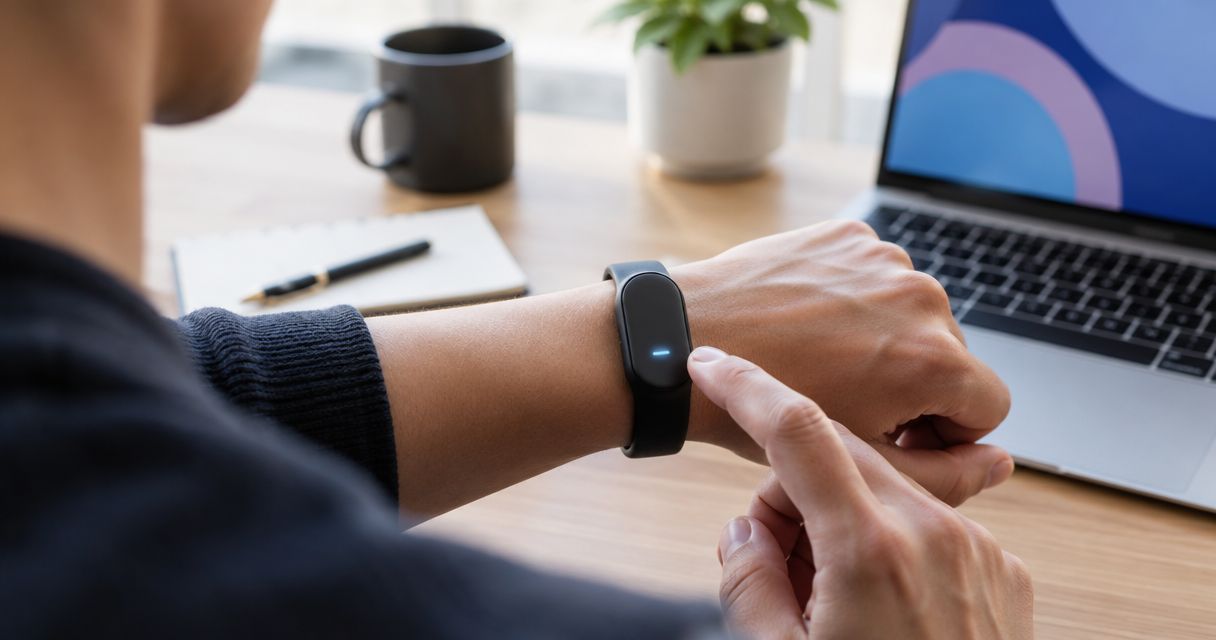
An indicator light communicates a state without showing a full interface. Depending on the device, light behavior can distinguish operating states or draw attention to an event.
A light is quiet. It does not demand attention through sound or touch. But you must look at it, and its meaning depends on the device's instructions.
Do not transfer color meanings between products. A color that indicates recording on one device is not evidence of what the same color means elsewhere. Read the exact model's guide.
For a voice-capture wearable, ask a precise question: does the light indicate that recording is active, or merely that the device is powered on? Those signals are not interchangeable.
A visible indicator is useful only when you can see it and understand its state. Check its position during ordinary use rather than judging it only from a close-up product image.
Audio: best for feedback you can hear
Audio feedback uses a tone or spoken information instead of a display. On a device with suitable audio hardware, that can make feedback accessible without looking down.
The trade-off is interruption. A sound enters the room, and spoken information can expose details to people nearby. A quiet-looking device is not necessarily quiet in use.
Ask whether audio feedback is optional and whether disabling it also disables an important confirmation. A silent mode is only useful if you can still understand the device through another supported method.
Do not assume a wearable has a speaker because it has a microphone. Capturing sound and playing sound are separate capabilities. A microphone specification does not establish spoken notifications, audible confirmations, or private listening.
If listening is essential to your routine, confirm the complete audio path. Know where the sound comes from and what you must wear or connect to hear it.
Connected phone: best for reading the details
A connected phone can supply the display that a screenless wearable lacks. Depending on the product's design, an app can show device information, captured content, or notification details.
That creates a useful division: the wearable handles a small action, and the phone handles review. You do not need a full interface on your finger to read something later.
The limitation is the handoff. If every signal requires an immediate app visit, the experience still depends heavily on a screen. Screenless hardware does not guarantee a screenless workflow.
When comparing devices in 2026, ask what happens when the phone is locked, disconnected, or outside reach. Treat those as separate conditions. A demonstration beside an unlocked phone does not answer all of them.
Also distinguish a phone notification from a wearable notification. An alert appearing on your phone is not proof that the wearable itself vibrates, lights up, or makes a sound.
Why screenless notification behavior varies
The word screenless tells you what is absent. It does not specify which signals are present, which events trigger them, or what you can turn off.
These factors determine whether the notification experience fits your routine:
- Output hardware. A device needs the relevant vibration, light, or audio hardware to provide that kind of local feedback.
- Event type. Incoming messages, recording confirmations, connection changes, and battery warnings serve different purposes.
- User controls. Settings determine which supported signals you can silence or change.
- Phone involvement. Some information belongs on the wearable; other information requires a connected interface.
- Your surroundings. A visual cue requires a glance, an audible cue requires listening, and a tactile cue requires contact you can feel.
Choose the signal around the task, not around the longest feature list. A note-taking device and a message-notification device do not need to interrupt you in the same way.
For a 2026 purchase decision, write down the events you actually want to notice. Then check each event against the model's documented behavior. This prevents a broad phrase such as smart notifications from standing in for a useful answer.
How can you check notifications before choosing a wearable?
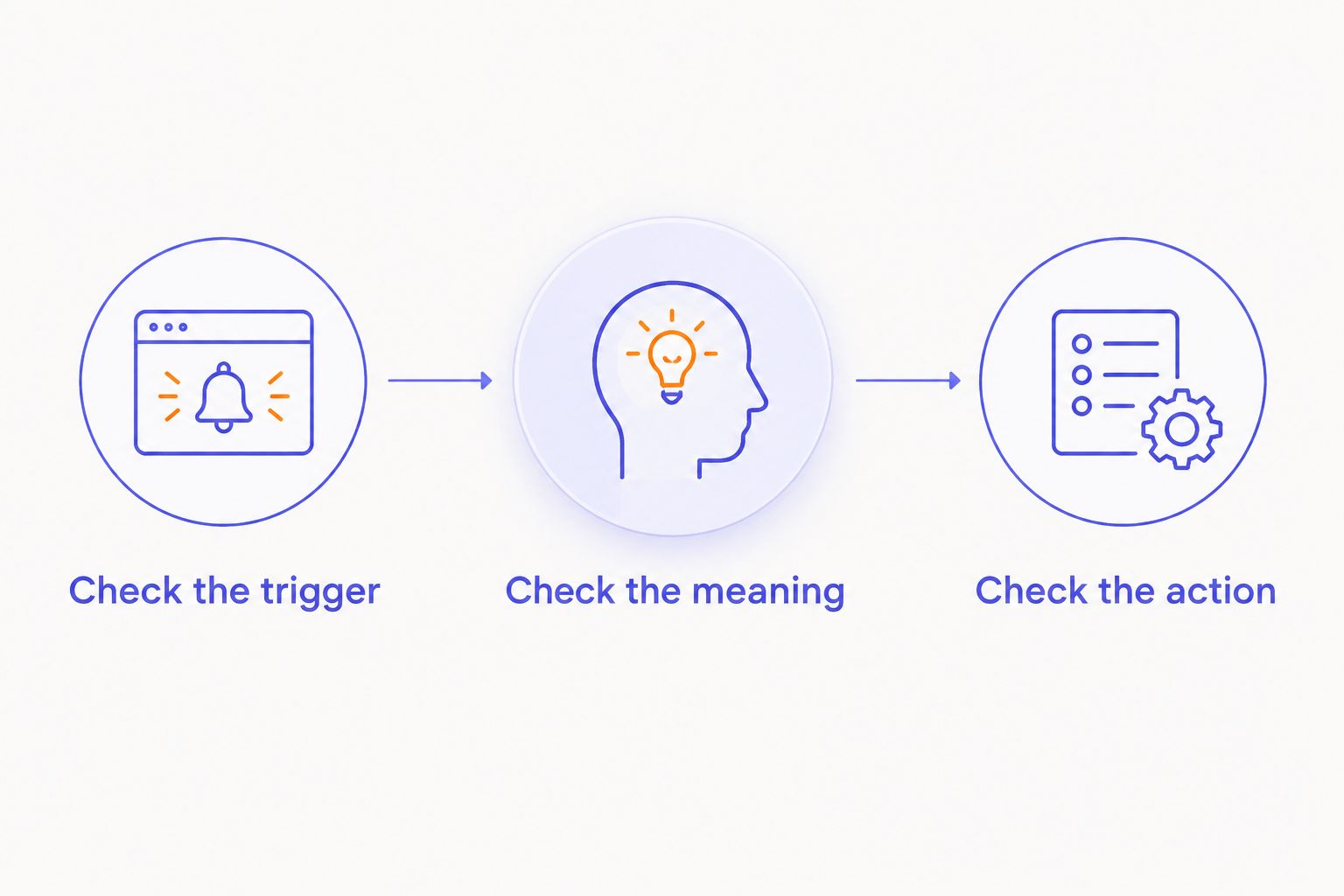
Use 3 checks: what starts the signal, what the signal means, and where you go for details. Apply the same checks to each device you consider.
1. Check the trigger
Ask which event causes the wearable to respond. Is it an incoming message, a completed action, or a change in device status?
Keep the question specific. A claim that a device provides feedback does not establish that it receives phone notifications. Likewise, a phone alert does not prove that a recording began successfully.
2. Check the meaning
Ask for a demonstration of 2 test alerts: an action confirmation and an incoming notification, if both are supported. Compare whether you can distinguish them without guessing.
This is a suggested test, not a claim about any product's capabilities. If a device supports only one category, assess that category on its own terms.
3. Check the next action
Decide what you would do after receiving the signal. Can you continue your task, or must you open a phone to understand it?
For voice capture, choose 1 essential confirmation to verify: that recording has actually started. Then check separately how you confirm that the captured material was saved. Starting and saving are different events.
A useful demonstration leaves you with fewer questions. Repeat the process under the conditions in which you expect to use the wearable, including with the phone put away.
Where does a voice-capture ring fit?
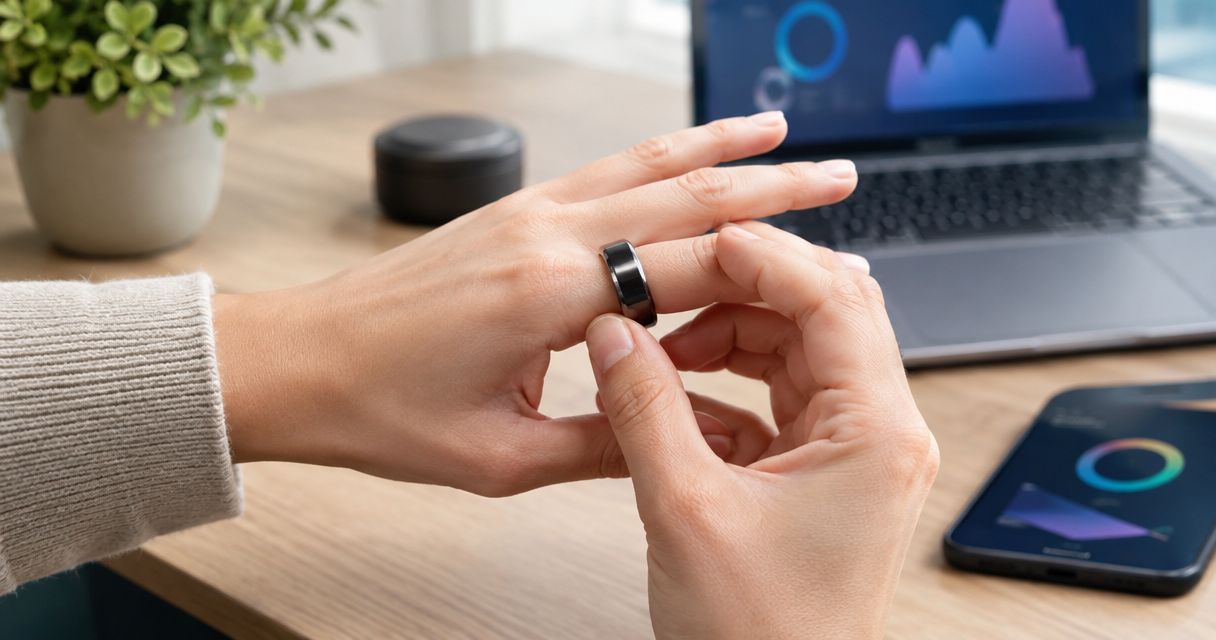
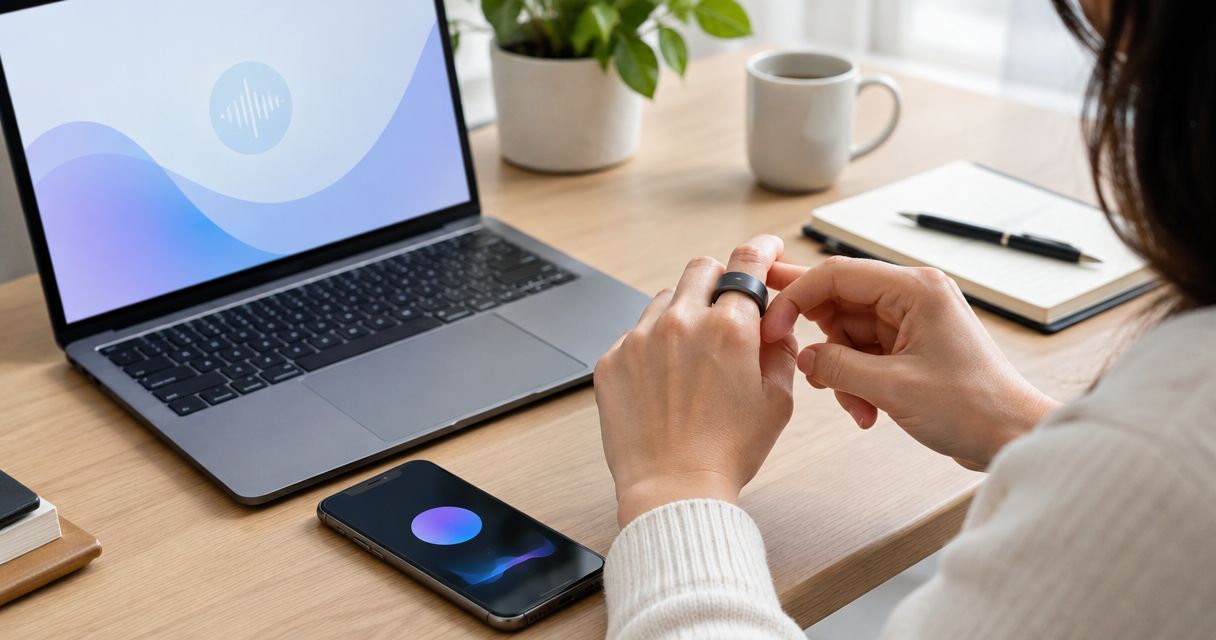
Present-ring-ai describes R1 as a screenless smart ring with a built-in microphone that transcribes spoken ideas and conversations for note-taking. That purpose is different from delivering a stream of incoming messages.
Present-ring-ai R1 is best suited to people seeking screenless spoken-note capture rather than an on-ring message display. The attraction is a focused task: speak a thought without composing it on a screen.
The trade-off is that a screenless ring cannot display a transcript on the ring itself. You still need a way to review the words. Evaluate capture, confirmation, and review as separate parts of the experience.
When considering Present-ring-ai, keep the questions practical. How do you know capture has begun? How do you know it has ended? Where do you review the result? Do not infer notification hardware from the presence of a microphone.
Can a screenless wearable show the actual message?
A screenless wearable cannot display readable message text on a screen it does not have. It can communicate an event through another supported output, while a connected interface supplies the text.
Spoken playback, where supported, is a different capability from displaying a message. Confirm it explicitly rather than assuming every screenless device can read notifications aloud.
Can you keep confirmations but turn off incoming alerts?
Keeping confirmations while disabling incoming alerts depends on the device's controls. Look for separate settings rather than a single promise of silent operation.
For a quieter routine in 2026, prioritize feedback that confirms your own actions. Then decide whether any outside events deserve permission to interrupt you.
FAQ
Do all screenless wearables vibrate?
No. Screenless describes the absence of a display, not the presence of vibration hardware. Check the exact device's specifications and notification instructions.
How do I know a screenless wearable has started recording?
Use the device's documented recording confirmation. Do not treat a power light, connection signal, or phone notification as proof of recording unless the instructions identify it that way.
Can a screenless ring read my text messages aloud?
Only a device with supported message access and an audio output path can read messages aloud. A built-in microphone alone does not establish that capability.
Does a screenless wearable still need a phone?
Phone dependence varies by device and task. Check capture, notifications, content review, and settings separately rather than assuming they all work without a phone.
Is vibration better than a notification light?
Vibration is better for a cue you want to feel without looking; a light is better for a quiet visual status check. Vibration can interrupt you, while a light requires you to look at it.
Is Present-ring-ai R1 meant for reading notifications?
Present-ring-ai R1 is described as a screenless voice-capture ring for transcribing spoken ideas and conversations. Assess it for note-taking, and verify notification functions separately.
Can I make a screenless wearable completely silent?
Silence depends on the device's supported settings and outputs. Check audible feedback separately from vibration, and make sure muting alerts does not remove an essential action confirmation.
One last thing
Ask to see the difference between recording started and recording saved. A device can acknowledge an action without proving that the final note is ready to review.
That question is more useful than asking how many notification patterns a wearable offers. The goal is not more signals. It is enough certainty to put your attention back where you wanted it.